


iWriteMusic Pro SE is a mobile notation app for professional musicians and students, featuring gesture-based input for sheet music creation on iOS.
The App DNA
What makes this app unique?
It replaces the high-friction, complex interfaces of desktop notation software with a streamlined, mobile-first entry system, removing the barrier to quick transcription.
For Professional musicians, music teachers, and students requiring a mobile-first notation tool for lead sheets and lesson materials.
Key features
Gesture-based input method allowing simultaneous selection of note location and value by sliding fingers.
Toolbox-based input method separating note value selection from placement on the staff.
How much does it cost?
Freemium model gates core utility (MIDI export, unlimited song storage, playback duration) to drive conversion from the free SE version.
Velocity
Steady developmentShow more...
Who built it?
iWriteMusicProject
4 apps tracked · Music
 iWriteMusic
 iWriteMusic SE
 iWriteMusic Pro
User Sentiment
What do users think recently?
Recent user voice shows a mixed sentiment. Users appreciate music notation tools provide a sophisticated and efficient workflow for transcribing and arranging complex musical pieces and playback functionality allows musicians to practice with specific tracks and adjust tempo for effective learning sessions, but report frequent application crashes during long composition sessions lead to significant loss of unsaved user progress.
How are ratings & reviews evolving?
What users say, by theme
- Music notation tools provide a sophisticated and efficient workflow for transcribing and arranging complex musical pieces
- Playback functionality allows musicians to practice with specific tracks and adjust tempo for effective learning sessions
- The app offers a low-cost entry point for mobile composition compared to expensive desktop notation software
- Frequent application crashes during long composition sessions lead to significant loss of unsaved user progress
60 of 61 recent reviews analyzed · high confidence · Mixed overall
Read the full review analysisUnlock 2 more frustration themes and 3 user requests, each backed by review evidence.
Access the full report for freeCompetition
Competitive landscape for iWriteMusic Pro SE
How's the Music market?
iWriteMusic Pro SE maintains a 4.5-star rating across 202 reviews, positioning it as a high-utility niche tool for music education. The lack of cloud-sync features limits its competitive standing against cloud-native rivals like BandLab.
Read the market outlookThe rivals identified

By BandLab Singapore Pte Ltd
BandLab competes for the same creative music audience by offering a comprehensive, cloud-based ecosystem that bridges the gap between simple notation and full-scale music production.
- Offers AI-powered song starters and stem separation tools that iWriteMusic currently lacks in its suite.
- Provides a massive, cloud-synced social DAW environment that encourages long-term user retention through collaboration.
- Leverages a massive user base and network effects that make it the industry standard for mobile creation.
 Analog Rack CleanerContender
 Mid-Side ContinuumContender
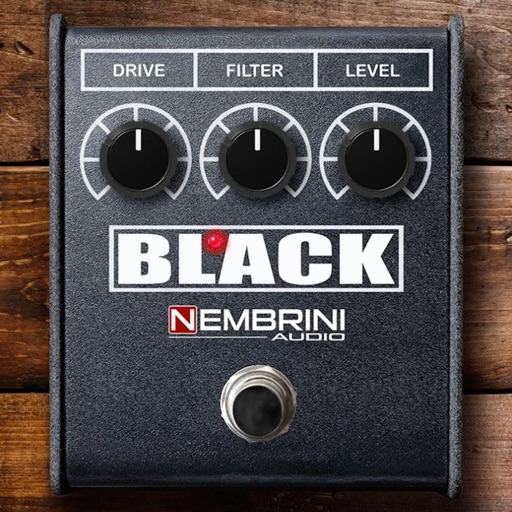 Black DistortionContender
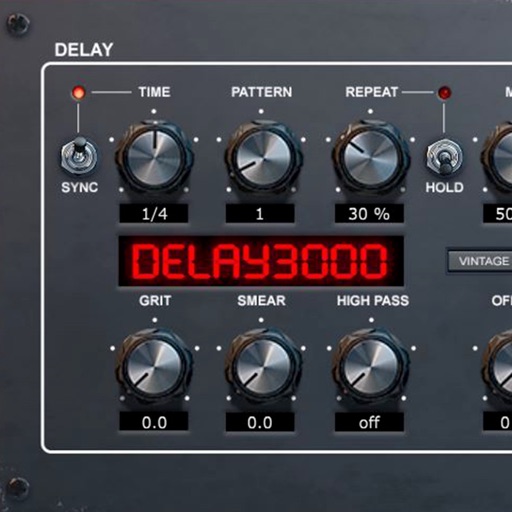 Delay3000 Vintage ModernContender
Unlock the head-to-head verdict: where this rival wins, and where it loses.
Access the full report for freeThe Analyst's Read
Key takeaways for iWriteMusic Pro SE
Where is it heading?
The mobile notation market is consolidating around cloud-native, collaborative tools that prioritize multi-device workflows. iWriteMusic Pro SE's maintenance-only cadence leaves it exposed to rivals that offer modern, AI-integrated features, signaling a decline in professional relevance unless the technical foundation is modernized.
- Frequent crashes during long sessions erode the daily active habit, which compounds the churn pressure already visible in reviews.
- The lack of cloud synchronization prevents multi-device composition, pushing power users toward cloud-native rivals like BandLab.
The SWOT
- One-Flick Entry System reduces input friction for experienced users
- Implementing cloud synchronization would address the primary data-loss complaint
Next best moves
Ship cloud synchronization because it is the top-requested feature to prevent data loss → reduce churn
+ 1 more prioritized moveThe counter-intuitive read
The app's #1 weakness, its local-only storage…
Read the full takeFeature gaps
Cloud synchronization (available in BandLab but missing here) +1
Since the last report: The outlook trend has shifted from stable to declining due to the app's inability to match cloud-native feature sets, prompting a pivot in the PM roadmap to prioritize cloud synchronization over minor UI improvements.
Bottom line
iWriteMusic Pro SE must address stability and cloud-sync to retain its professional user base, as the current local-first architecture is increasingly vulnerable to cloud-native rivals. Solving these technical blockers would unlock the app's potential as a primary mobile composition tool.
Unlock 2 critical frictions, 1 market threat, 1 more prioritized move and the analyst’s take.
Access the full report for freeFAQ
Is iWriteMusic Pro SE suitable for professional composition?
How does iWriteMusic Pro SE compare to BandLab?
Does iWriteMusic Pro SE have intrusive ads or watermarks?
What are some alternatives to iWriteMusic Pro SE?
Sources
- [1] App Store, source
Report last updated