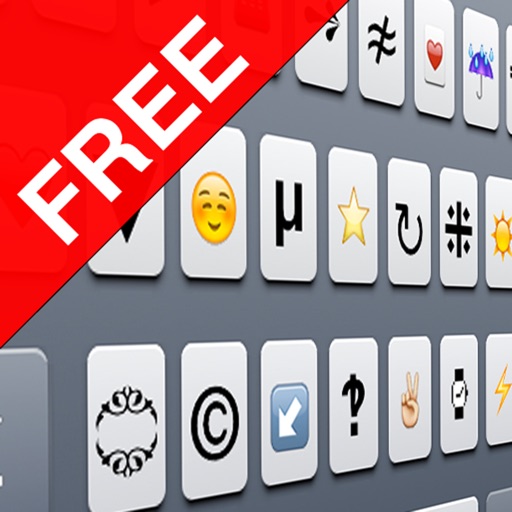




Unicode Character Map FREE is an iOS utility for browsing and copying Unicode symbols and non-Latin alphabets.
The App DNA
What makes this app unique?
Users hire this app to locate and insert specific characters that are not present on the standard iOS keyboard, serving a niche need for specialized text expression.
For iOS users who need to access and copy specific Unicode symbols, emoticons, or non-Latin alphabets for messaging and email.
What does it look like?
Key features
Displays only characters supported by iOS to prevent empty box rendering.
Search by character name or browse by block categories.
Saves frequently used characters to a persistent bar.
Synchronizes favorites and block order across devices.
Paid version that removes advertisements.
How much does it cost?
Freemium model uses ad-supported free tier to drive volume, with a paid upgrade path to remove ads.
Velocity
Dormant developmentnew contentUX improvementsplatform expansionShow more...
The app has been inactive for over a decade, with the last recorded release occurring in July 2014. There is no evidence of ongoing development, feature updates, or maintenance. The project is effectively abandoned.
Who built it?

User Sentiment
What do users think recently?
How are ratings & reviews evolving?
Not enough recent reviews to extract reliable themes yet.
Read the full review analysisCompetition
Competitive landscape for Unicode Character Map FREE
How's the Utilities market?
The app maintains a 3.375 rating across 32 reviews, reflecting a stagnant utility position in the Utilities category. The lack of updates since 2014 signals a decline in competitive relevance against keyboard-integrated peers.
Read the market outlookThe rivals identified

By Carlos Savcic
Status Styler competes directly by offering custom font and character styling for social media status updates, targeting the same user base looking to enhance their text-based social presence.
- Offers cross-app integration that allows users to apply styles directly within other social networking platforms
- Provides universal binary support ensuring consistent performance across both older and newer iOS device architectures
Unlock the head-to-head verdict: where this rival wins, and where it loses.
Access the full report for freeThe Analyst's Read
Key takeaways for Unicode Character Map FREE
Where is it heading?
The utility market is consolidating around keyboard-integrated solutions that eliminate app-switching friction. Without a major architectural update to include keyboard support, this app will continue to lose relevance to modern competitors.
- The lack of updates since 2014 signals a stagnant product, which accelerates user migration to actively maintained keyboard-integrated alternatives.
The SWOT
- Curated character library prevents empty-box rendering on iOS
- Persistent favorites bar enables quick access to recurring symbols
- Develop a custom keyboard extension to match competitor functionality
- Implement home screen widgets for one-tap symbol access
Next best moves
Ship custom keyboard extension because competitors like CharMap offer it → reduce user friction
The counter-intuitive read
The app's primary strength, its curated character list…
Read the full takeFeature gaps
System-wide keyboard extension (available in CharMap and Symbols but absent here) +1
Since the last report: The report transitioned from tracking internal technical failures to documenting the app's competitive obsolescence in a market now dominated by keyboard-integrated utilities.
Bottom line
The app provides a reliable character filter, but the lack of updates since 2014 and the absence of keyboard integration make it obsolete, so the PM should prioritize building a keyboard extension to regain competitive parity.
Unlock 3 critical frictions, 2 market threats and the analyst’s take.
Access the full report for freeReport last updated