


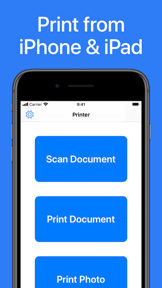
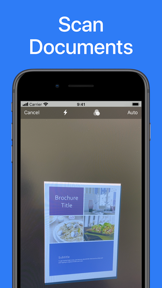

Printer App: Print & Scan PDF is a mobile utility designed to facilitate document and photo printing directly from iOS devices. It features an integrated scanner and broad compatibility, supporting over 5,000 AirPrint-enabled printer models from major manufacturers.
Overview · Full Intel report in progress
The App DNA
What makes this app unique?
For Mobile users requiring a convenient, on-the-go solution for printing and digitizing documents from their iPhone or iPad.
What does it look like?
Key features
Supports printing to over 5,000 different printer models from brands including HP, Canon, Epson, and Brother.
Uses the device camera to capture and digitize physical documents or photos for immediate printing.
Enables printing of various file types, including PDF, Word, Excel, PowerPoint, and common image formats like JPEG and PNG.
How much does it cost?
Velocity
Who built it?
Hendrik Folkerts
6 apps tracked · Business
 Wunderfind: Find Lost Device
 Photo to PDF Converter Scanner
 Fasting Tracker & Diet App
 Side by Side Photo Editor Grid
 Blood Pressure App Monitor
User Sentiment
What do users think recently?
How are ratings & reviews evolving?
Not enough recent reviews to extract reliable themes yet.
Read the full review analysisCompetition
Competitive landscape for Printer App: Print & Scan PDF
How's the Business market?
The rivals identified
The Analyst's Read
Key takeaways for Printer App: Print & Scan PDF
Where is it heading?
Bottom line
This app serves as a versatile mobile bridge between iOS devices and a wide range of legacy and modern AirPrint-compatible printers.
Report last updated